Changing the background of a photo can completely change the appearance and purpose of an image. It can make a portrait look more professional, help a product stand out, or create a cleaner image for social media and business use.
Why Change a Photo Background?
A background can strongly affect how a photo looks. A distracting or messy background may take attention away from the main subject.
Changing the background can help you:
- Create a cleaner portrait
- Make product photos look more professional
- Remove distracting surroundings
- Prepare images for social media
- Create business and marketing images
- Use a consistent visual style across photos
What Types of Backgrounds Can You Use?
The best background depends on the purpose of the photo. A simple background is often useful when the main subject needs to remain the focus.
- Plain white background
- Solid color background
- Office or business background
- Studio-style background
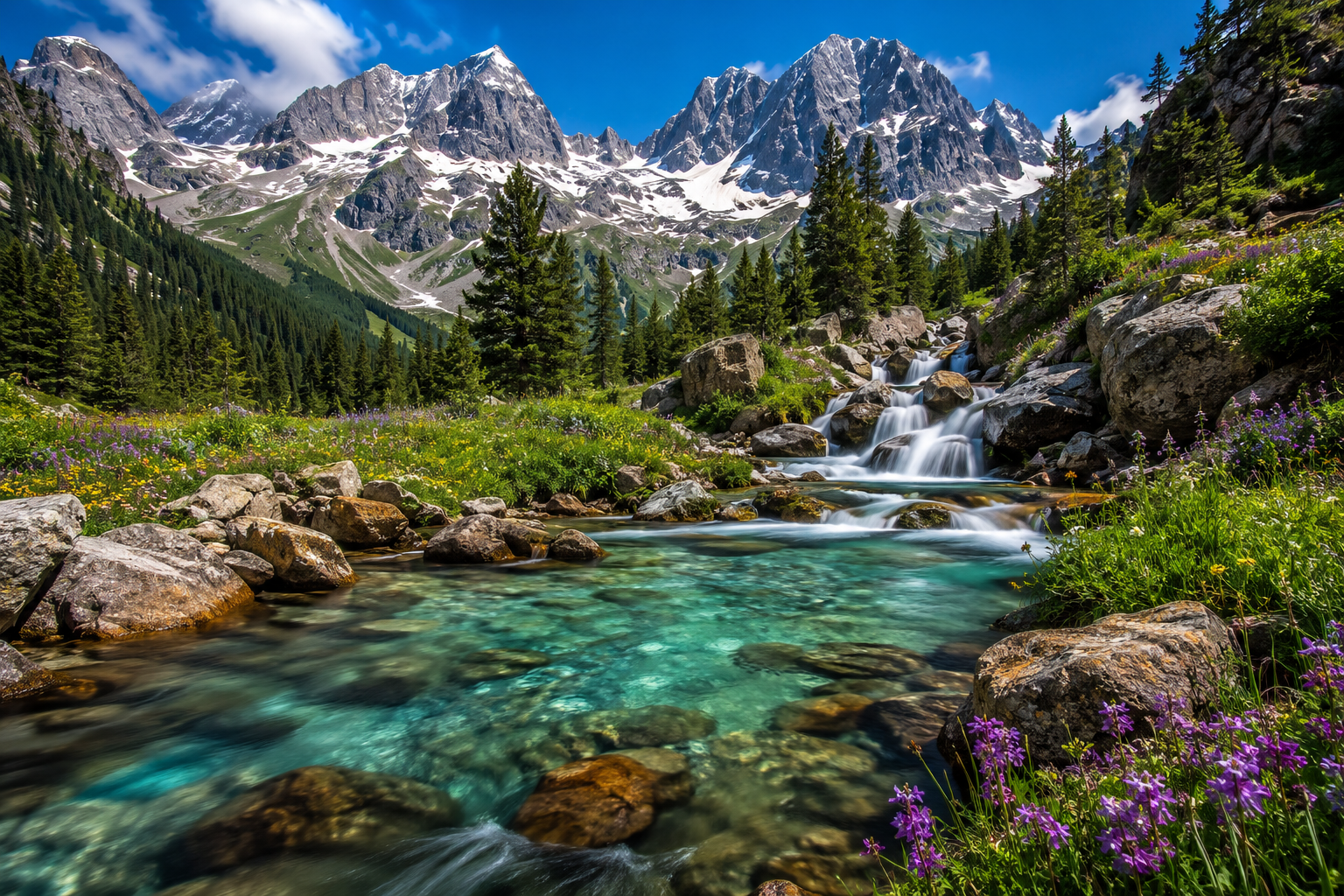
- Nature or outdoor background
- Custom image background
How to Change a Photo Background Online
Online photo editing tools can make background replacement easier without requiring advanced editing software.
Step 1: Select the photo you want to edit.
Step 2: Remove or separate the original background from the main subject.
Step 3: Choose a new background that matches the purpose of the photo.
Step 4: Place the subject on the new background.
Step 5: Adjust the subject size and position so it looks natural.
Step 6: Check the edges around the subject.
Step 7: Adjust lighting and colors when necessary.
Step 8: Save or download the finished image.
Choose the Right Background
The replacement background should complement the main subject. A background that is too busy can make the final image look confusing.
For product photos, simple backgrounds are often effective because they keep attention on the product. For portraits, a studio, office, or natural background may create a more appropriate appearance.
Make the New Background Look Natural
Simply placing a subject over another background may not always look realistic. Lighting, shadows, color temperature, and perspective should be considered when creating the final image.
- Match the lighting direction.
- Use compatible colors.
- Keep the subject at a realistic scale.
- Check the edges carefully.
- Add appropriate shadows when needed.
Changing Backgrounds for Product Photos
Background replacement is especially useful for online stores and marketplaces. A clean background can help products look more consistent and professional.
White or neutral backgrounds are often useful when the goal is to make the product itself the main focus.
For more tips on creating professional product images, you can also read How to Create a Professional Product Photo Online .
Changing Backgrounds for Portraits
Portrait backgrounds can be changed to create a more professional profile picture, business portrait, social media image, or creative photo.
When editing portraits, pay close attention to hair, clothing edges, and other fine details around the subject.
Tips for Better Background Replacement
- Start with a high-quality original photo.
- Choose a background that matches the subject.
- Check hair and fine edges carefully.
- Match lighting between the subject and background.
- Avoid backgrounds that are unnecessarily busy.
- Compare the final image with the original.
Professional Background Editing
Some photos require detailed background removal and replacement, especially when the subject has complicated edges, hair, transparent objects, or difficult lighting.
For professional background replacement, retouching, product editing, and other photo editing needs, visit the METALUZY photo editing service.
If you need a more detailed background removal and replacement workflow, you can also read How to Remove and Replace Photo Background Professionally .
Conclusion
Changing a photo background online can make an image cleaner, more professional, and more suitable for different purposes. By choosing the right background and matching the lighting, colors, scale, and edges, you can create a more natural-looking result.
If you want to learn how to remove a background before changing it, you may also want to read How to Remove Background From JPG Images Online .